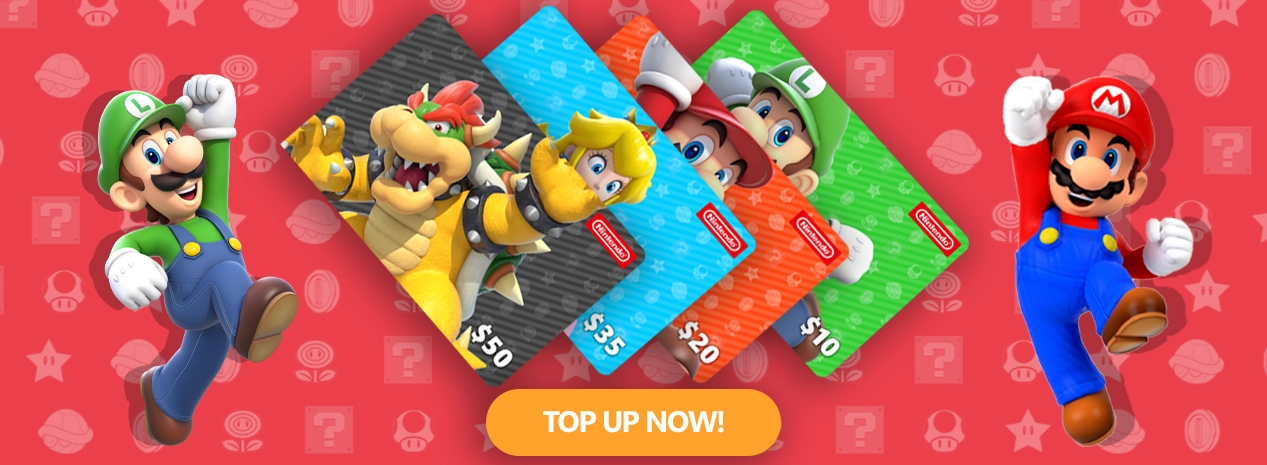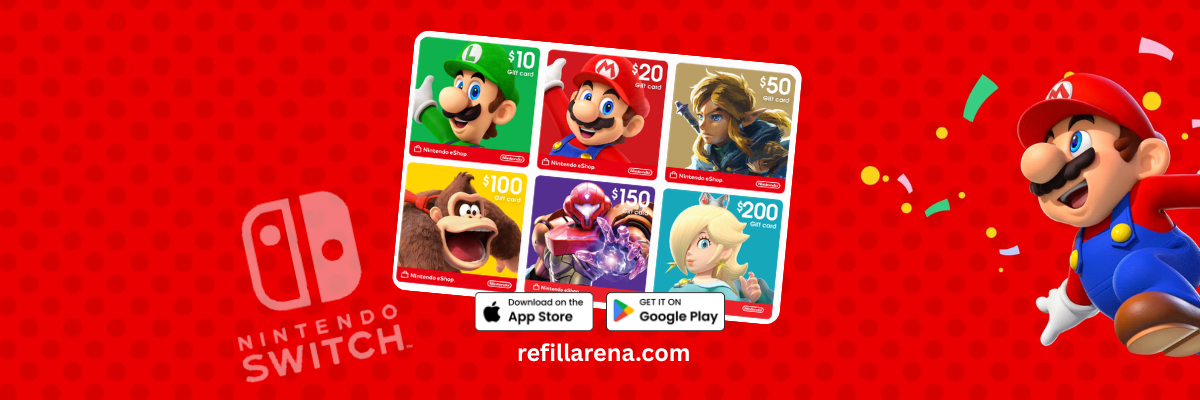
A Nintendo eShop card adds funds to your Nintendo Account so you can buy games, DLC and other content on Nintendo eShop for Nintendo Switch and Nintendo Switch 2, without entering a bank card. The one rule that decides whether your code works is the country: Nintendo says eShop cards can only be redeemed on Nintendo Accounts set to the same country or region as the card.
On Refillarena you can buy Nintendo eShop cards for 19 regions, including the USA, the UK, Germany and Japan, plus Nintendo Switch Online memberships, and pay with crypto or card.
Buy a Nintendo eShop Card
eShop cards for the US, UK, EU, Japan and more, paid with crypto or card, with the code sent by email once your payment confirms.
Which Nintendo eShop card region should you buy?
Buy the card that matches the country set in your Nintendo Account, not the country you live in. To check it, sign in at accounts.nintendo.com, open User Information and look at Country/Region. Nintendo also notes that your eShop balance does not carry over if you change your account country later, so spend it first.
US account
Buy a USA card in US dollars.
UK account
Buy a UK card in pounds.
EU account
Buy the euro card for your account country, such as Germany, Spain or Italy.
Nintendo eShop card prices on Refillarena
These are current prices for popular cards. Prices change, so check the product page before you pay.
| Region | Card value | Refillarena price (USD) |
| USA | USD 10 | 9.98 |
| USA | USD 20 | 19.96 |
| USA | USD 35 | 34.93 |
| USA | USD 50 | 49.91 |
| UK | GBP 15 | 21.55 |
| UK | GBP 25 | 35.91 |
| UK | GBP 50 | 71.80 |
| DE | EUR 15 | 18.72 |
| DE | EUR 25 | 31.19 |
| DE | EUR 50 | 62.38 |
| JP | JPY 3000 | 22.16 |
We also sell Nintendo Switch Online memberships, for example 3 months (UK) for USD 10.03 and 12 months (UK) for USD 25.84, plus cards for Brazil, Mexico, Hong Kong, Poland and the Nordic countries. See them all on the Nintendo page.
How to redeem a Nintendo eShop card on Switch and Switch 2
- Select Nintendo eShop on the HOME Menu.
- Choose the account you want to top up.
- Select Redeem Code on the left side of the screen.
- Enter the 16 character code from your email and confirm.
You can also redeem without the console: open ec.nintendo.com/redeem in a browser, sign in to your Nintendo Account, enter the code and confirm.
Have an older Nintendo 3DS or Wii U? Nintendo ended purchases on the eShop for both systems on 27 March 2023, so eShop cards can no longer be used there. Use your card on Nintendo Switch or Nintendo Switch 2.
How to buy a Nintendo eShop card with crypto
- Open the Nintendo page and pick the region that matches your account.
- Choose the value and add it to your cart.
- Enter your email carefully, because the code is sent there.
- Pay with Bitcoin, USDT or another coin, or use the other options shown at checkout.
- Copy the code from your email and redeem it.
Ready to Top Up?
Pick your region, pay with crypto or card, and redeem in under a minute.
Code not working? Check these first
- The card region does not match your Nintendo Account country. This is the most common cause.
- A character was mistyped. Retype the code by hand without spaces.
- The code was already redeemed on another account.
If the problem continues, contact our support with your order number. Before paying for anything with crypto, read our checklist for paying safely with crypto.