
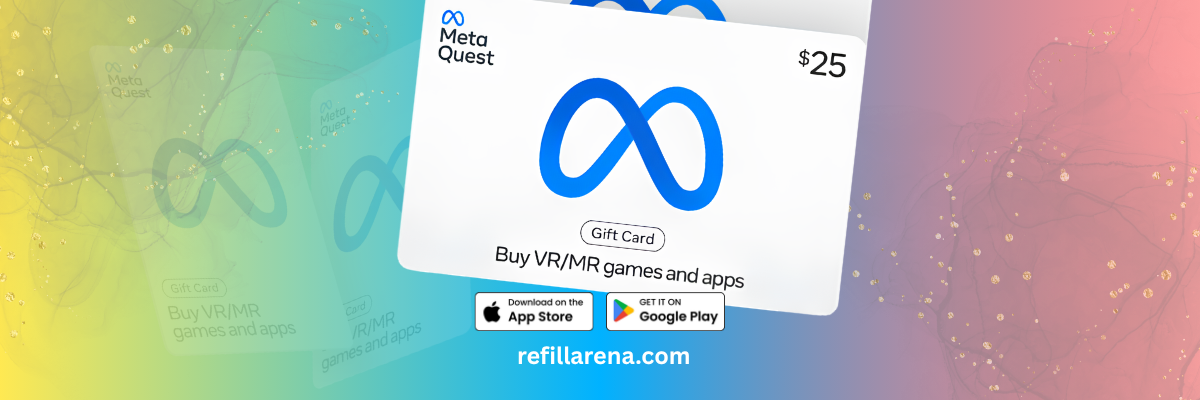
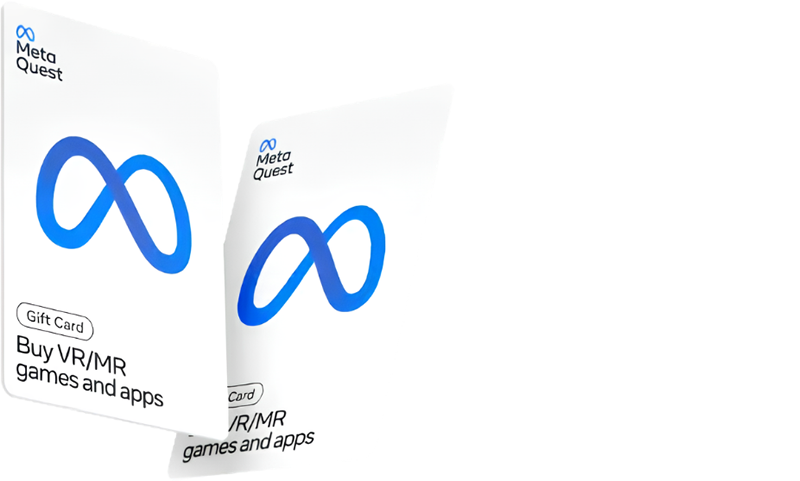
A Meta Quest gift card adds credit to your Meta account so you can buy games and apps for your Quest headset in the Meta Horizon Store (formerly the Meta Quest Store). It is a simple way to buy VR games without a bank card, or to give one to a friend who just got a headset. The rule to know first: Meta's gift card terms say a gift card can only be used for purchases in the same currency it was bought in, so match the card to your account's store.
On Refillarena you can buy Meta Quest gift cards in US dollars, British pounds and euros, and pay with crypto or card.
Buy a Meta Quest Gift Card
USD, GBP and EUR cards for the Meta Horizon Store, paid with crypto or card, with the code sent by email.

Which Meta Quest gift card should you buy?
US store
Buy a USD card.
UK store
Buy a GBP card.
Euro store
Buy the EUR card (Germany).
Meta's help pages note that a gift card bought for one country may not work in another region's store, so check the currency your store shows before you buy.
Meta Quest gift card prices on Refillarena
| Region | Card value | Refillarena price (USD) |
| USA | USD 20 | 20.60 |
| USA | USD 40 | 41.20 |
| USA | USD 100 | 103.00 |
| UK | GBP 25 | 35.16 |
| UK | GBP 50 | 70.31 |
| DE | EUR 25 | 30.30 |
| DE | EUR 50 | 60.60 |
Prices change, so check the Meta Quest page before you pay.
How to redeem a Meta Quest gift card
- Open the Meta Horizon app on your phone and sign in to the account linked to your headset.
- Tap Menu, then go to Payment and subscriptions.
- Tap Redeem Store code.
- Enter the code from your email and tap Redeem.
The balance appears in your wallet, and you can use it on your next purchase in the Meta Horizon Store.
The balance stays on the account that redeemed the code. If the headset belongs to someone else, redeem the code on their account, not yours.
How to buy a Meta Quest gift card with crypto
- Open the Meta Quest page and choose the region and value.
- Add it to your cart and enter your email carefully, because the code is sent there.
- Pay with Bitcoin, USDT or another coin, or use the other options at checkout.
- Copy the code from your email and redeem it.
Ready for Your Next VR Game?
Pick a card, pay with crypto or card, and redeem in the Meta Horizon app.
Before paying with crypto, read our checklist for paying safely with crypto.