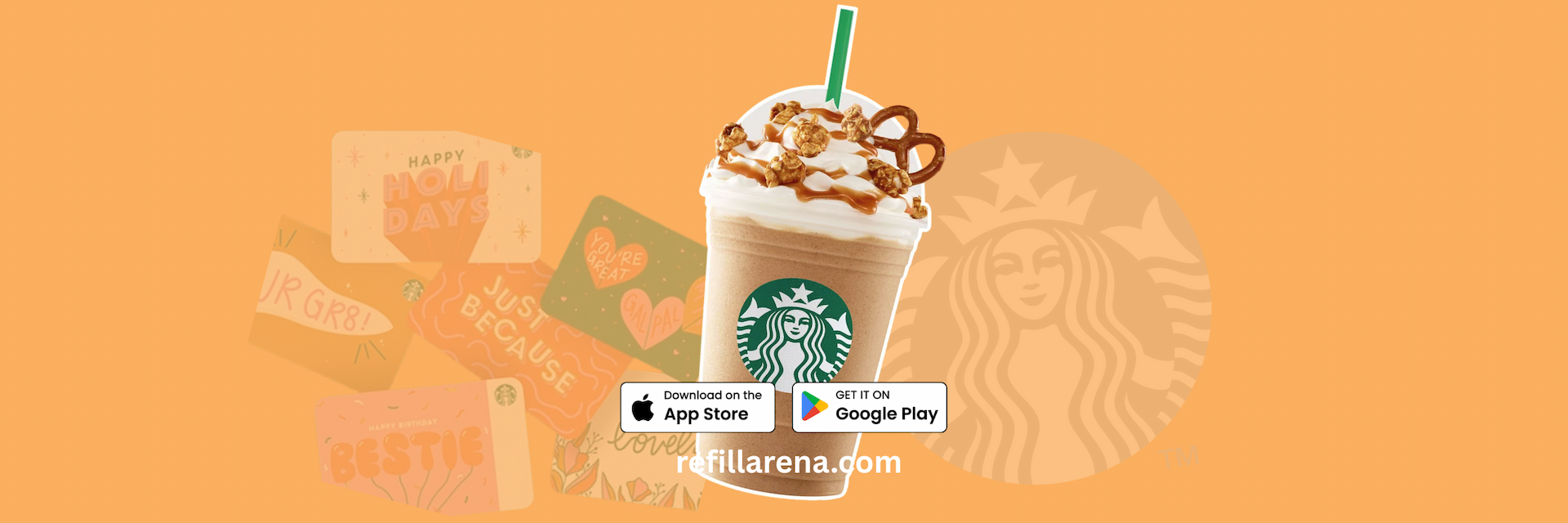
This short video shows the full checkout for a Starbucks Gift Card on Refillarena, from search to the code in your inbox. Starbucks credit pays for coffee, drinks and food at participating Starbucks stores.
Can't see the video? Watch it on YouTube.
What happens in the video
- 0:06 Search for Starbucks and open it from the results.
- 0:11 Click Buy Now to start checkout.
- 0:14 Enter the email address that should receive the code, and double-check it.
- 0:19 Choose Pay with Crypto or your preferred wallet.
- 0:23 Send the exact amount shown to complete the purchase.
- 0:25 The code arrives in your inbox, usually within minutes.
Regions and prices
| Region | Values | From |
| United States | USD 5 to 500 | about USD 5.15 |
| Canada | CAD 5 to 500 | about USD 3.79 |
| United Kingdom | GBP 5 to 150 | about USD 6.49 |
| Germany | EUR 5 to 50 | about USD 6.12 |
Prices as of 4 October 2026. Prices change, so check the Starbucks page when you order.
How to redeem the code
- Add the card to your Starbucks account or app, or show the code in store when you pay.
- Check the balance and register the card on the Starbucks website for your country.
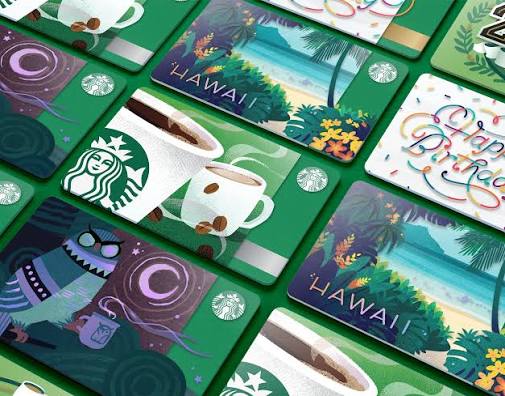
Each card works in its own country, so pick the US, Canadian, UK or German card to match where you buy your coffee. The card does not expire and Starbucks charges no fees.
Before you pay
- Choose the card for the country where you will use it.
- Send the exact amount on the network shown at checkout. Crypto payments are final.
- Keep your order number until the code is redeemed.
Ready? Open the Starbucks page and pay with crypto.