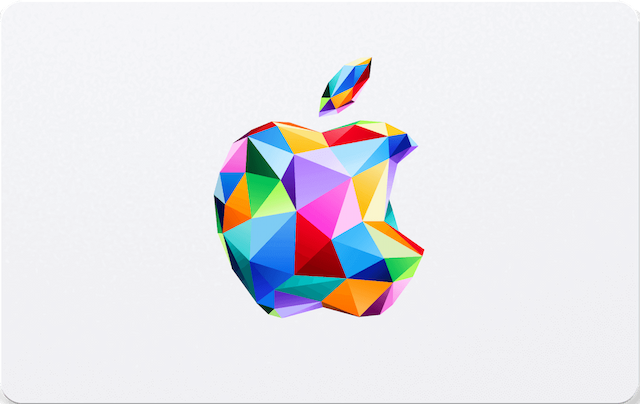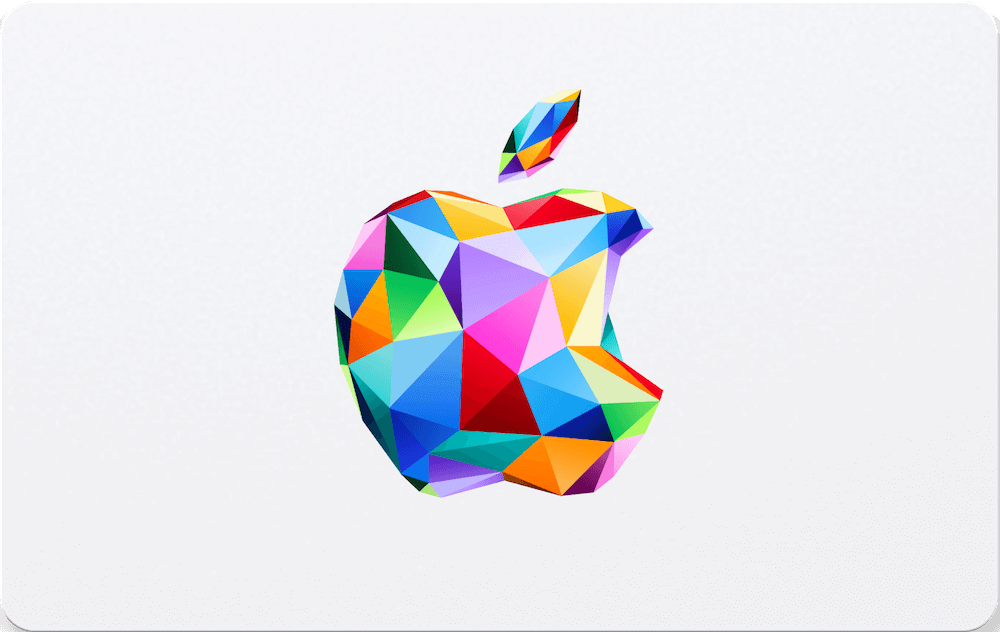
Searching for a way to buy an "iTunes card" with crypto? The name is still widely used, but Apple now has more than one gift-card type. Depending on the country or region, you may see an Apple Gift Card, an App Store & iTunes Gift Card, or an older iTunes card. On Refillarena, choose the card and region shown for your Apple Account, then pay with crypto at checkout.
- Pay with Bitcoin, Ethereum, USDT, and other coins available through MixPay at checkout
- Receive your digital code by email after payment confirmation
- Choose a card issued for the same country or region as your Apple Account
- Check the card type before buying: digital-content cards and Apple Gift Cards do not have identical uses in every market
Is an iTunes Gift Card the Same as an Apple Gift Card?
Not always. "iTunes card" is a useful search term, but Apple distinguishes between Apple Gift Cards, App Store & iTunes Gift Cards, Apple Store Gift Cards, and older cards. An App Store & iTunes Gift Card is generally for Apple digital content and services. In countries and regions where Apple Gift Card is available, it may also be used for Apple products and accessories. Always read the card label and the product details for the region you select.
Buying for apps, games, subscriptions, music, films, books, or iCloud? Select the digital Apple/App Store & iTunes option that matches your Apple Account region. Buying Apple hardware? Confirm that the specific Apple Gift Card and region support product purchases before placing the order.
Why Pay with Crypto?
Crypto checkout can be useful if you prefer to pay from a supported wallet instead of using a bank card. At checkout, MixPay shows the currently available coins and the payment amount. You still need a valid email address to receive the code, and Apple's card and redemption rules continue to apply.
How to Buy an Apple or iTunes Card with Bitcoin on Refillarena
- Choose the card value and region - open the Apple gift-card page. Select the denomination and issuing country or region that match your Apple Account.
- Check the card type - use a digital-content card for App Store and Apple-media purchases. Only select an Apple Gift Card for hardware if the product page and your region confirm that use.
- Enter your email address - this is where Refillarena sends the code.
- Select MixPay at checkout - choose Bitcoin, Ethereum, USDT, or another currently supported cryptocurrency.
- Redeem after delivery - after payment is confirmed, use the code in the Apple Account that matches the card's issuing region.
Apple gift cards and codes cannot be redeemed outside their country or region of purchase. A US card requires a US Apple Account; an Australian card requires an Australian Apple Account. Check this before payment because digital codes cannot be changed to another region after delivery.
What Can You Buy?
The exact answer depends on the card type and region. App Store & iTunes cards are for digital Apple purchases such as apps, in-app purchases, music, films, Apple Books, iCloud, and eligible subscriptions. In countries and regions where Apple Gift Card is available, Apple says the card or Apple Account balance can also be used for products and accessories at apple.com, an Apple Store, or the Apple Store app. Some purchases may still require a payment card on file.
For Apple's current card-type definitions and terms, see Apple's gift-card guide and what Apple Gift Card balance can buy.
How to Redeem Your Code
- Online - go to apple.com/redeem and follow Apple's redemption instructions.
- On iPhone, iPad, or Mac - open the App Store, select your account, then choose "Redeem Gift Card or Code."
- Before redeeming - confirm that the card type and issuing region match your intended use. Apple Store Gift Cards and App Store cards have different redemption rules.
Check Your Apple Gift Card Balance
Need to verify a supported card before spending? Open Refillarena's Apple Gift Card balance checker. Availability and results depend on the card type and issuing region.
Why Buy on Refillarena?
- Crypto payment choices - choose from the cryptocurrencies shown by MixPay at checkout.
- Regional card options - select a denomination that matches your Apple Account country or region.
- Digital delivery - the code is sent by email after payment confirmation.
- Clear pre-purchase guidance - card type and region are explained before you redeem.
Ready to add Apple credit with crypto? Choose Your Apple Gift Card