You can buy an Apple gift card with Bitcoin or USDT on Refillarena and receive a digital code by email after payment confirmation. Start by checking the country or region of the Apple Account that will redeem it, then choose a compatible card and value.
Open the Apple gift card page to compare the available options. This guide explains how to choose your card, complete a crypto payment and redeem the code without confusing your payment currency with the card's region.
What Does an Apple Gift Card Buy?
An Apple gift card provides prepaid value for eligible Apple purchases. The exact uses depend on the card type and country. Read the selected product's description rather than assuming that every Apple or App Store card has identical benefits.
Apple Account credit can cover eligible apps, subscriptions and other purchases. Hardware purchases depend on the card and region, and some transactions can require an additional payment method. Check Apple's guide to eligible purchases if you are buying for a specific purpose.
Apple Gift Card, App Store Card or Account Balance?
Start with the product you are actually buying. “Apple gift card” is sometimes used loosely in searches, but the card name, issuing region and redemption terms matter more than the search phrase. Do not choose a card for a hardware purchase solely because its listing includes the Apple logo.
| What you see | What to check before paying |
|---|---|
| A digital gift card code | The issuing region, face value, eligible uses and redemption instructions for that product. |
| App Store or iTunes wording | The specific uses stated in the listing; do not assume it has the same scope as another Apple card. |
| Apple Account balance | This is credit already associated with an account. Check the intended account before redeeming a new code. |
If your purpose is an app purchase or subscription, check the charge in your Apple Account's region before choosing a value. If you are buying for someone else, ask what they intend to purchase as well as which region they use. That avoids selecting the right amount for the wrong type of purchase.
Choose the Correct Apple Account Region
Check the country or region of the Apple Account that will receive the credit. Then select a compatible card on Refillarena and read its redemption restrictions. The currency used to pay for your order does not change where the card can be redeemed.
If you are buying a gift, ask the recipient which account region they use before choosing a card. If you cannot find a compatible option, contact support before paying instead of selecting a different country.
A Region Check Before You Choose a Value
Imagine that your recipient uses an Apple Account set to Germany while you are shopping from another country. Start with their account requirements, not your physical location or the currency shown in your own wallet. Check the selected card's terms against those requirements before continuing.
Do not change an account's region simply to make a cheaper card fit. If a listing is unclear, ask support about that exact product and the intended account region. Keep the answer with your order details so you can refer to the same selection later.
Compare Card Values and Checkout Prices
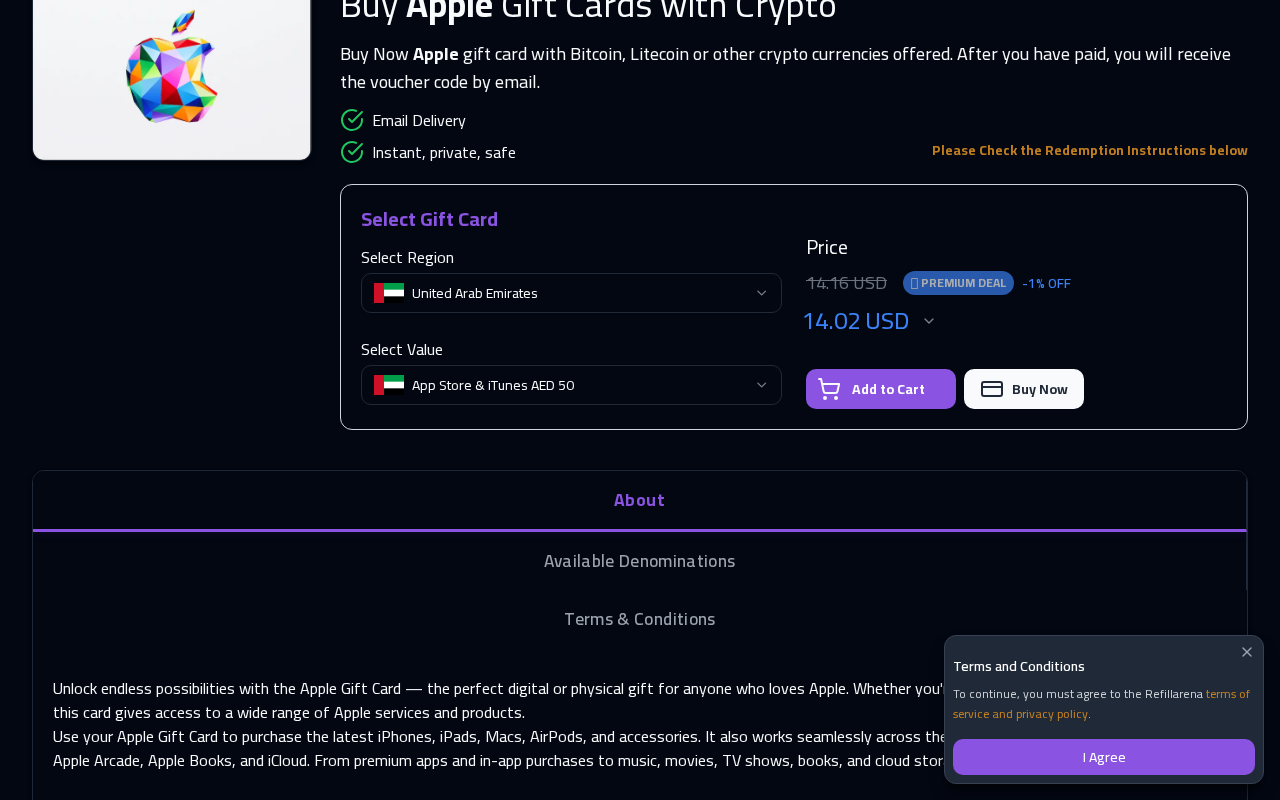
The card's face value is the amount of credit it provides; the selling price is what you pay for it. Compare both values on the product page, then review the final checkout total before confirming your order.
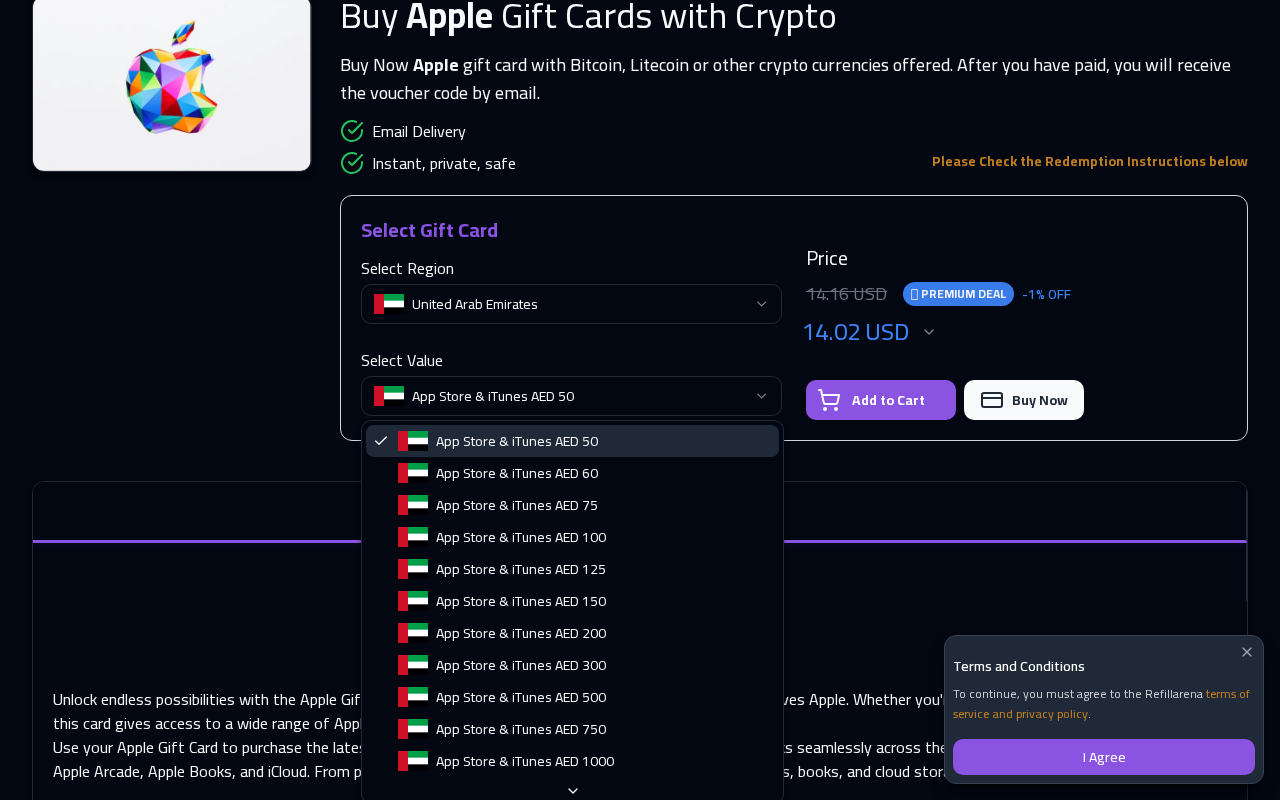
Use the live denomination selector for current availability. Prices and stock can change, so a screenshot or an older guide should not determine your purchase. Include any transfer fee shown by your wallet when comparing the total cost.
Choose an Apple Gift Card for Your Region
Compare available values and redemption terms. Choose Bitcoin, USDT or another payment option offered for your order.
View Apple Gift Cards
How to Buy an Apple Gift Card with Bitcoin or USDT
- Open the Apple product page and select the region compatible with your Apple Account.
- Choose a card value and review the product terms and price.
- Continue to checkout and enter the email address where you want to receive the code.
- Select Bitcoin or USDT if it is offered for your order. For USDT, match the transfer network to the payment instructions.
- Send the specified amount to the displayed address within the stated payment window.
- Keep your order number and check the order status while payment is confirmed and the code is delivered.
Review the receiving address, network and amount before sending. Your wallet or exchange may deduct a withdrawal fee, so check that the amount received will match the payment request.
If the invoice expires before you send payment, return to the order for current instructions. If you have already sent funds but the order is pending, check the transaction status and contact support before paying again.
Bitcoin or USDT: Compare the Payment You Will Actually Send
Choose from the options available for the order, then inspect the payment request before opening your wallet. A token name alone is not enough: where a network is specified, your sending network must match it. Do not choose a different network because your wallet quotes a lower fee.
Compare the invoice amount, the withdrawal or network fee shown by your provider, and any stated payment deadline. There is no single fastest or cheapest option for every purchase. Use the details presented for this transaction rather than a general recommendation from an older guide.
Example: Separate Card Value from Total Cost
Suppose a card provides 25 units of account credit, costs 27 units in the checkout currency, and your wallet shows a transfer fee equivalent to one more unit. If the currencies are the same, your total cost is 28 for 25 of credit. These are illustrative numbers, not a current Refillarena offer.
If the card and checkout use different currencies, compare them in a common currency before drawing a conclusion. Also check whether a sending service subtracts its fee from the transfer amount or charges it separately. The recipient amount should match the invoice instructions.
Redeem Your Apple Gift Card
On an iPhone or iPad, open the App Store and tap your profile. Select the option to redeem a gift card or code, enter the code and follow the prompts. Confirm you are using the intended Apple Account before completing redemption.
Apple provides redemption instructions for supported devices. After redemption, check your Apple Account balance. Keep the delivery email and order confirmation in case you need help later.
If Delivery or Redemption Does Not Complete
If the code email is missing, check your spam folder, the address entered at checkout and the payment status. Contact Refillarena support with the order number if delivery remains unresolved.
If Apple rejects the code, check for typing errors and a region mismatch. A message saying the code was already redeemed calls for checking the relevant account balance. Keep the exact error message and receipt for support; do not publish the full code in a screenshot or comment.
Work Out Which Stage Needs Help
A payment delay, a missing delivery email and an Apple redemption error need different checks. Identify the last step that completed successfully before contacting support. This gives the support team a useful starting point and helps avoid duplicate purchases.
| Situation | First check | Details to keep |
|---|---|---|
| Funds sent, order still pending | Compare transaction status, receiving network and amount with the invoice. | Order number and transaction identifier. |
| Payment confirmed, code email missing | Check the delivery address, spam folder and order status. | Order number and payment confirmation. |
| Apple reports a region error | Compare the selected product region with the intended account. | Product name and exact error message. |
| Code reported as already redeemed | Check the relevant account balance and purchase history. | Delivery email, receipt and error message. |
Keep the code private while collecting this information. Start by sharing your order number and the error through the appropriate support channel; do not post the code in a public review or discussion.
Ready to Choose Your Card?
Confirm the recipient's account region, choose the amount they need and review the final payment instructions. These checks matter whether you pay with Bitcoin, USDT or another available method.
Visit Apple gift cards on Refillarena to see the current regions, values and redemption terms before placing your order.