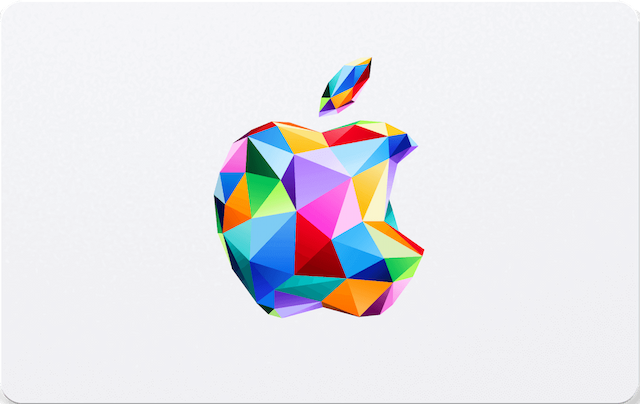
Apple gift cards (also called App Store & iTunes cards) work a little differently from some other retailers when it comes to checking a balance, and that trips a lot of people up. This guide covers the real ways to check your balance, what you actually need on hand, and what to do if a code refuses to cooperate.
What You'll Need
- Your card number or code — found under the scratch-off panel on a physical card, or in the email for a digital gift card.
- An Apple ID — Apple's official balance tools require signing in.
Apple works differently from some retailers. Apple lets you check a card's balance through its Online Store balance tool without fully redeeming it into your Apple Account first. But once you do redeem it, the balance merges into your overall Apple Account balance, so you'd check your Account balance from then on rather than the original card's balance specifically.
3 Ways to Check Your Apple Gift Card Balance
1. Refillarena's Balance Checker
A quick-access link straight to Apple's official balance tool. refillarena.com/en/apple/balance-checker
2. Apple's Online Store Balance Page
Sign in with your Apple ID at Apple's Online Store gift card balance page and enter your card number.
3. Your Apple Account (after redeeming)
On iPhone: Settings → [your name] → iTunes & App Store. On the web: appleid.apple.com. Your balance is shown there once redeemed.
Good to know: only Apple can actually verify a card's balance. Refillarena's balance-checker page doesn't display balances itself — it takes you straight to Apple's official tool so you don't have to search for the right link yourself.
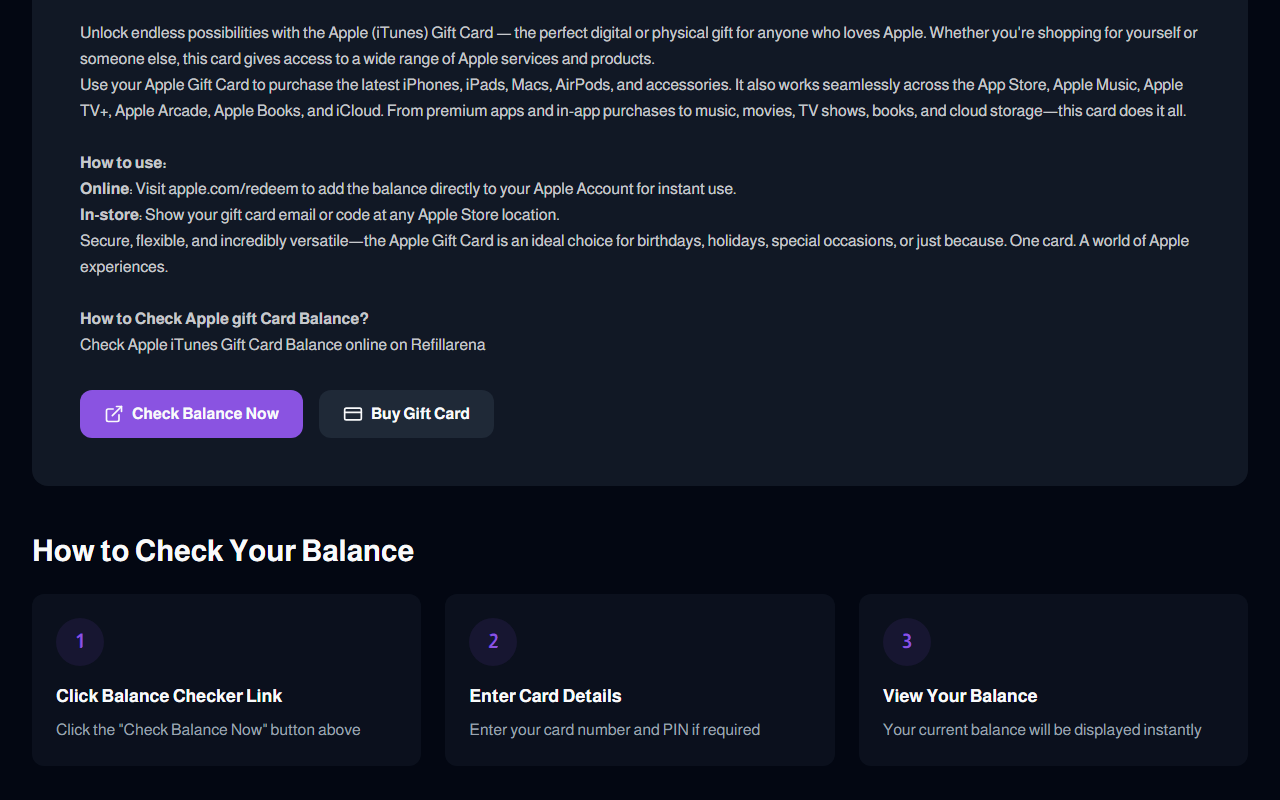
Refillarena's Apple Balance Checker page — click "Check Balance Now" to jump to Apple's official checker.
Step-by-Step: Using Refillarena's Balance Checker
Go to the balance checker page
Click "Check Balance Now"
This takes you directly to Apple's official Online Store balance tool.
Sign in and enter your card number
Sign in with your Apple ID, then enter your card number. Your current balance appears on screen.
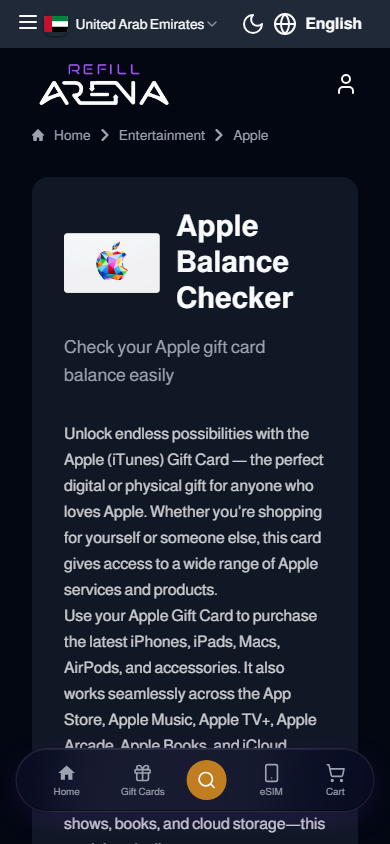
Works just as well from your phone.
Code Won't Show a Balance — What's Wrong?
The code has already been redeemed
Check your Apple Account balance directly (Settings → [your name] → iTunes & App Store, or appleid.apple.com). If it's already redeemed, the funds will be sitting in your account.
There's a typo in the code
The letter O versus the number 0, and the letter I versus the number 1, are the most common mix-ups. Type the code manually rather than copying it if you're unsure.
The card was issued for a different Apple storefront
Apple gift cards are tied to the country/storefront they were issued for. A card bought for the US App Store won't redeem on a UK or UAE Apple ID, and vice versa.
The scratch-off panel is damaged
If part of the code is missing, don't guess the missing characters. Contact Apple Support, or bring your receipt to an Apple Store — they can often look it up from the purchase record.
One rule to remember: a legitimate balance check never asks for your Apple ID password anywhere other than apple.com itself. If a third-party site asks you to log in on its own page, close it.
How to Redeem Your Apple Gift Card
- Online: Visit apple.com/redeem to add the balance directly to your Apple Account.
- In-store: Show your gift card email or code at any Apple Store location.
Once redeemed, the balance works across the App Store, Apple Music, Apple TV+, Apple Arcade, Apple Books, iCloud, and toward hardware like iPhones, iPads, Macs, and AirPods.
Buying an Apple Gift Card? Here's an Easy Way
If you're shopping for an Apple gift card rather than checking one you already have, Refillarena lets you buy one instantly using Bitcoin, USDT, Ethereum, or 300+ other cryptocurrencies — no KYC, no account registration, delivered to your email within minutes.
Know Your Balance, Then Shop
Checking an Apple gift card balance takes a couple of minutes and just requires your card number and an Apple ID. Once you know what's on it, redeeming it into your Account or spending it in-store is quick.
Need to buy or check an Apple gift card?
Check Your Balance →Free to check · No purchase needed · Works for gifted cards too