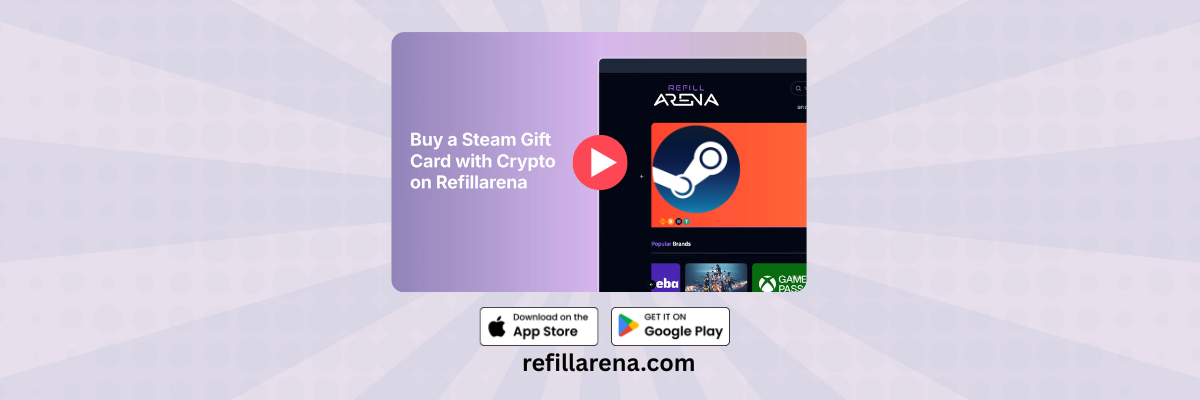
This short video shows the full checkout for a Steam Gift Card on Refillarena, from search to the code in your inbox. Steam Wallet credit pays for games, DLC and in-game items on Steam.
Can't see the video? Watch it on YouTube.
What happens in the video
- 0:05 Search for Steam and open it from the results.
- 0:10 Pick the value you want.
- 0:14 Click Buy Now to start checkout.
- 0:18 Enter the email address that should receive the code, and double-check it.
- 0:25 Choose Pay with Crypto or your preferred wallet.
- 0:34 Pick your coin and network.
- 0:38 Send the exact amount shown to complete the purchase.
- 0:43 The code arrives in your inbox, usually within minutes.
Regions and prices
| Region | Values | From |
| United States | USD 5 to 200 | about USD 6.31 |
| Eurozone | EUR 5 to 35 | about USD 6.74 |
| UAE | AED 20 to 400 | about USD 6.27 |
| Saudi Arabia | SAR 20 to 400 | about USD 6.13 |
| Qatar | QAR 20 to 400 | about USD 6.32 |
| Kuwait | KWD 5 to 30 | about USD 18.83 |
| India | INR 130 to 5,000 | about USD 1.72 |
| Poland | PLN 25 to 110 | about USD 7.93 |
Prices as of 4 October 2026. More regions are listed on the product page. Prices change, so check the Steam page when you order.
How to redeem the code
- Log in to Steam, click your account name, then Account details.
- Choose Add funds to your Steam Wallet, then Redeem a Steam Wallet code.
- Enter the code and click Continue.
A Steam code only works in the currency of your wallet. Check your wallet currency before you buy.
For more detail, see our full Steam guide.
Before you pay
- Choose the card for the country where you will use it.
- Send the exact amount on the network shown at checkout. Crypto payments are final.
- Keep your order number until the code is redeemed.
Ready? Open the Steam page and pay with crypto.