Buy a Steam gift card with Bitcoin or USDT on Refillarena, then redeem the emailed code to add funds to your Steam Wallet. Before you choose a value, check your wallet currency and the card's supported region.
The Steam gift card page lists available denominations and redemption terms. This guide takes you through choosing a compatible code, completing payment and redeeming it on the intended Steam account.
What Is a Steam Wallet Code?
A Steam Wallet code adds prepaid funds to your Steam account when successfully redeemed. You receive a code rather than a particular game, so choose the amount based on what you intend to buy.
Buying the code and redeeming it are separate steps. Payment confirmation at Refillarena does not itself add money to your Steam Wallet. Keep the order confirmation and delivery email until you have completed redemption.
Wallet Credit Is Different from a Game Key
A Wallet code is for adding credit. A game key is for a specific product. Before buying, decide whether you want to fund a later purchase or obtain a particular game, then read the product name and delivery instructions accordingly.
This guide covers the Steam Wallet codes listed on Refillarena. It does not describe sending a gift through Steam's own gifting interface. If you plan to give someone a code, check the recipient's wallet currency and the code's restrictions before placing the order.
| Your goal | What to establish first |
|---|---|
| Buy a game using wallet credit | The game's price on the intended account and the amount of credit still needed. |
| Give someone Steam credit | The recipient's wallet currency and which listed code is compatible. |
| Buy a specific game key | Whether the product is actually a game key; a Wallet code does not select or reserve a game. |
Match the Card to Your Steam Wallet
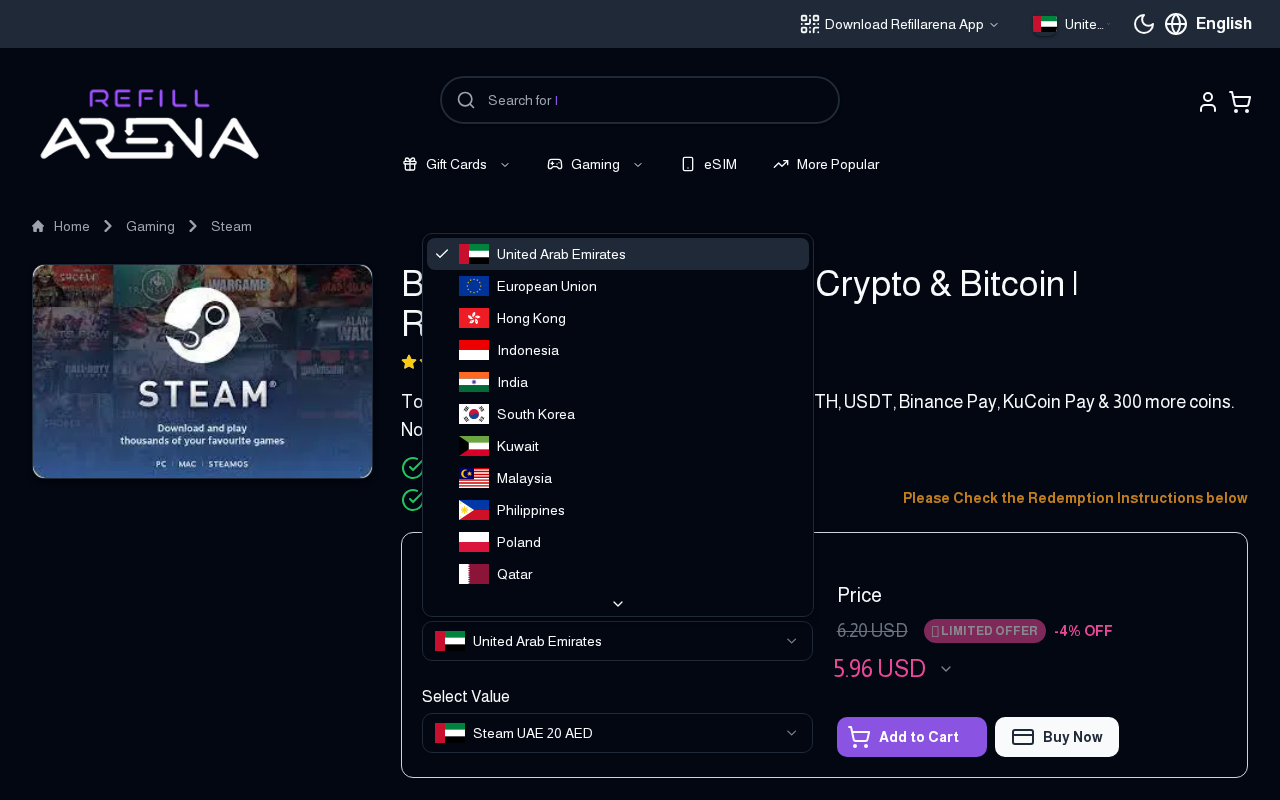
Check the currency shown in your Steam account details. Compare it with the currency and regional restrictions listed for the card you want to buy. A “Global” label in a product selector is not a guarantee that every account can redeem every code.
Your payment currency and the code's currency are separate. Paying with Bitcoin or USDT does not remove redemption restrictions. If compatibility is unclear, ask support before choosing a card.
- Check your Steam Wallet currency and store country.
- Choose a compatible region on the Refillarena Steam product page.
- Read the selected card's description and redemption terms.
- Choose from the values currently available for that selection.
Do Not Confuse Three Different Currencies
There can be three separate values in one purchase: the currency of your Steam Wallet, the currency printed in the card's product name, and the currency used to display or pay the Refillarena order. Check the first two for compatibility, then use the third to understand your payment cost.
For example, paying for a card with USDT does not mean you are buying a US-dollar Steam Wallet code. The product you selected determines the code you receive. Recheck that selection after changing regions or returning to the cart.
If your Steam account has no previous wallet balance and you are uncertain which code to buy, read Steam's current Wallet guidance before payment. Do not buy a card first and rely on changing account settings afterward to make it work.
Compare the Face Value and Purchase Price
A card's face value tells you the amount of Steam credit it represents. Its checkout price tells you what you will pay. Review both amounts and their currencies before confirming a purchase.
Available values and prices can change. Use the current Steam card listings rather than a static denomination table. Include any wallet or exchange transfer fee when calculating your total cost.
Find a Card That Fits Your Steam Wallet
Compare available regions and values, then check the redemption terms for your account.
Compare Steam Gift Cards
Choose a Value Based on the Purchase You Plan to Make
Check the price of the intended purchase on the Steam account that will use the code, then compare it with the existing wallet balance. This gives you the shortfall to cover rather than an arbitrary card amount.
As an illustration, a purchase priced at 32 units with eight already in the wallet leaves a shortfall of 24. Compare the compatible card values currently listed against that shortfall. This is a budgeting example, not a statement that any particular denomination is available.
If you are considering several smaller cards instead of one larger card, compare the combined checkout price and any separate payment fees. Do not assume that either choice is automatically cheaper. Keep a record of each delivered code and whether you have redeemed it.
Buy a Steam Gift Card with Bitcoin or USDT
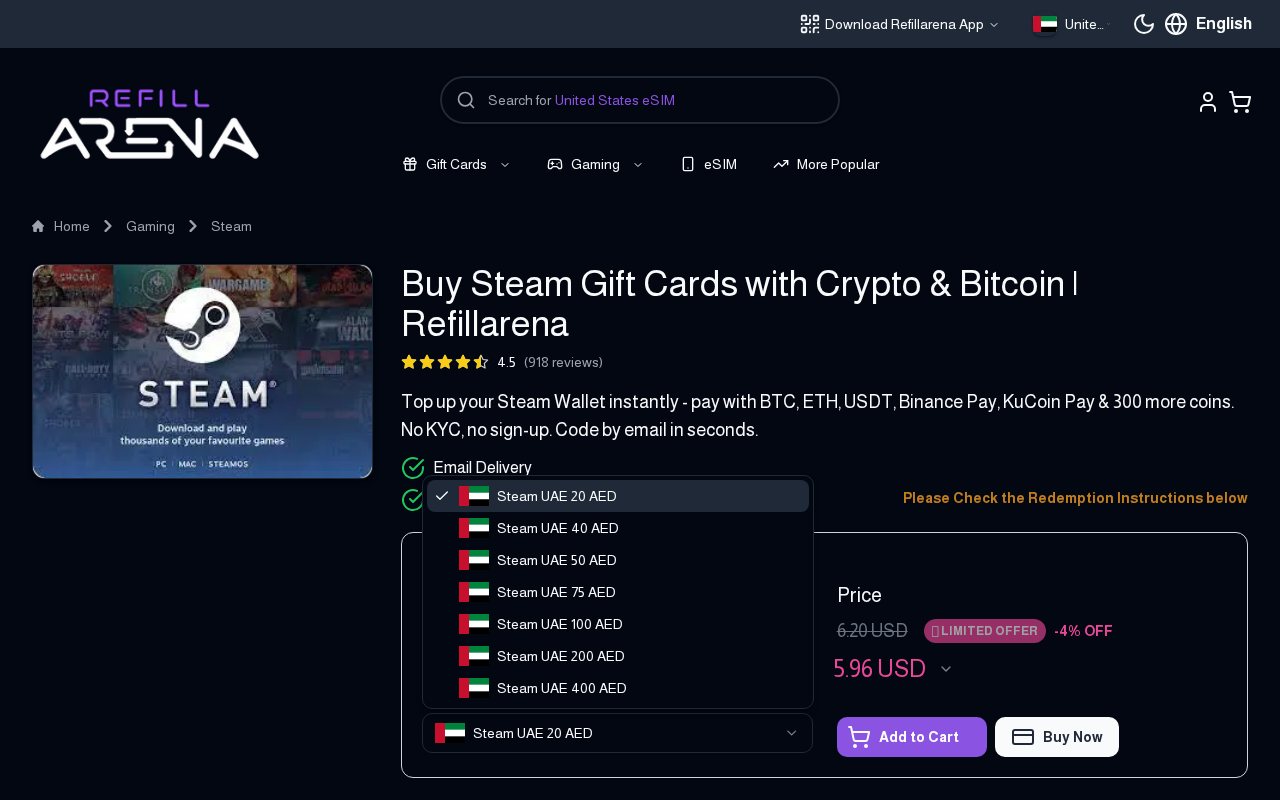
- Select your compatible card region and denomination on Refillarena.
- Review the product details and continue to checkout.
- Enter the email address that should receive the Steam Wallet code.
- Choose Bitcoin, USDT or another payment option offered for your order.
- Follow the payment instructions for the exact network, address, amount and payment window.
- Retain your order number and wait for payment confirmation and code delivery.
When paying with USDT, the network must match the invoice. Do not send a token on a different network because it has a lower displayed fee. Check withdrawal fees too, especially if you are sending from an exchange.
If the invoice expires, use the current instructions shown for your order. If you have already sent payment, check its status before starting a second transfer. Delivery depends on payment confirmation and order processing; sending funds is not the same as a completed order.
Review the Order Before Sending Crypto
Read back the card name, denomination, quantity and delivery address at checkout. A correct payment cannot correct an incompatible product selection. If something is wrong, return to the selection step before sending funds.
- Product: confirm it is the Steam Wallet code and region you intended.
- Quantity: check whether you are buying one code or several.
- Email: use an inbox you can access and verify the spelling.
- Payment: match the token, network, address and amount to the current invoice.
- Record: save the order number and transaction reference until delivery and redemption are complete.
If your wallet or exchange shows a fee, establish whether it is charged on top or deducted from the sent amount. Follow the invoice's receiving-amount instructions. When the details are unclear, ask for help before sending rather than trying to resolve an underpayment afterward.
Redeem the Code on Steam
Open Steam's official Wallet code redemption page and sign in to the account you want to credit. Enter the delivered code and follow the prompts. Review the account's wallet balance after successful redemption.
If Steam asks for information to establish your wallet currency, follow its official instructions. A Wallet code cannot change your Steam store country; see Steam's store-country guidance for those rules.
If Your Code Does Not Redeem
Check that you copied the code accurately and are signed in to the intended account. Compare the card's listed currency and supported region with your wallet details. Keep the exact error message rather than repeatedly entering variations of the code.
If the issue continues, contact support with your order number and receipt. Steam also provides Wallet code troubleshooting. Do not post the complete code publicly while asking for help.
Troubleshooting by Order Stage
Start with the stage where the process stopped. Refillarena can help investigate its order and delivery, while a Steam account or redemption issue may require Steam support. Keep the same order reference when following up so the information stays connected.
| What happened | What to check | What to avoid |
|---|---|---|
| You sent payment but the order is pending | Transaction status, network and amount against the invoice. | Sending a second payment before checking the first. |
| The code email has not arrived | Payment status, delivery email spelling and spam folder. | Buying another code simply because the email is missing. |
| Steam rejects the code | The precise error, entered characters and card compatibility. | Changing country settings as a guessed workaround. |
| Redemption succeeded but the balance looks wrong | The signed-in account, redemption confirmation and recent purchases. | Assuming the code is unused and giving it to someone else. |
If a code is for a gift, agree on who will redeem it before sharing it privately. Keep the order receipt yourself, and ask the recipient for the error wording if they need help. A public screenshot should never include the complete code.
Choose Your Steam Gift Card
Confirm compatibility first, then compare values and payment costs. For a gift, ask the recipient about their wallet currency before buying rather than assuming it matches your own.
Visit Steam gift cards on Refillarena to review the current selection and choose a code for your account.